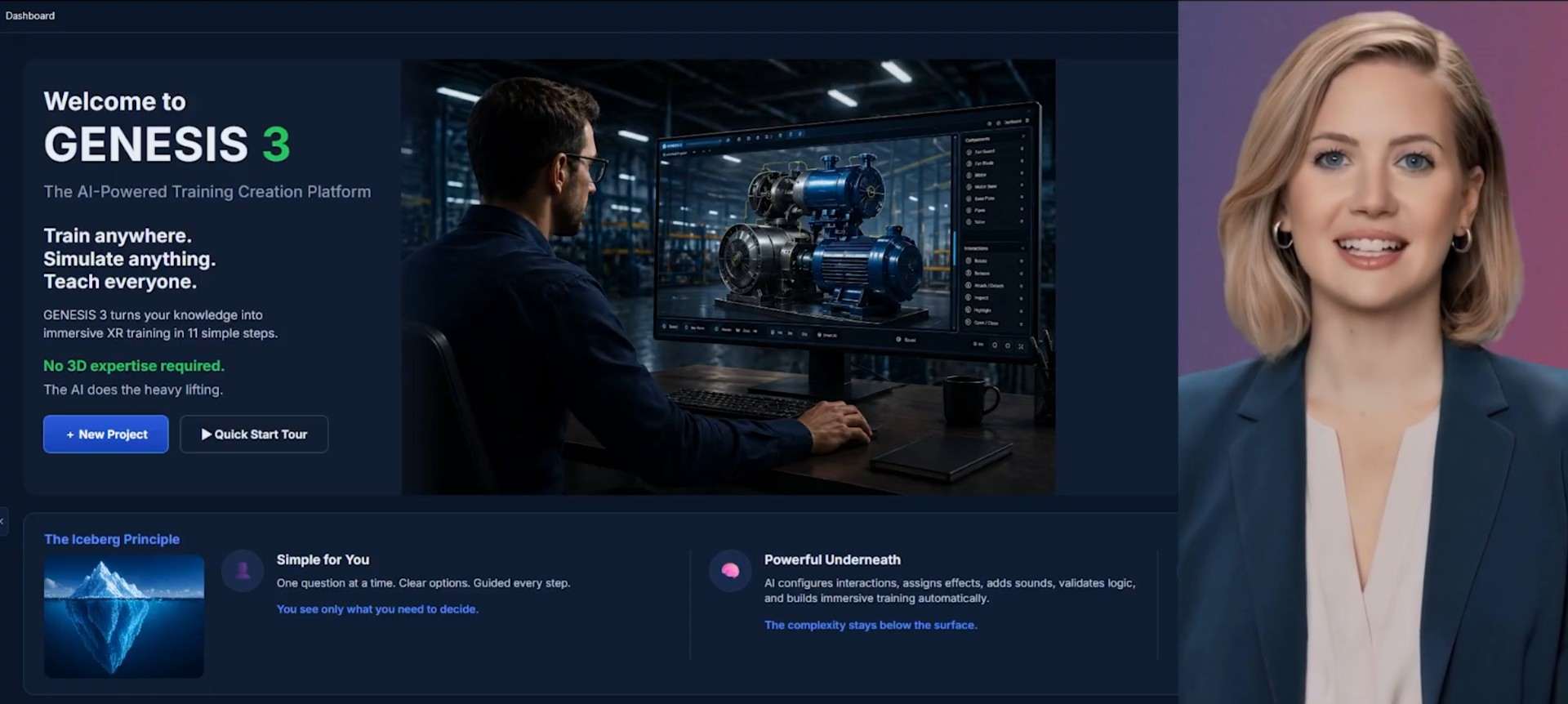
Build interactive training environments from standard operating procedures and ordinary equipment photos. Genesis 3.1 adds faster authoring, photo-to-simulation capture, real-time animation, and a complete Show Me → Let Me Try → Evaluate Me training loop.
Keep the familiar Create and Play flow, but update each demo to show the new Genesis 3.1 capabilities.
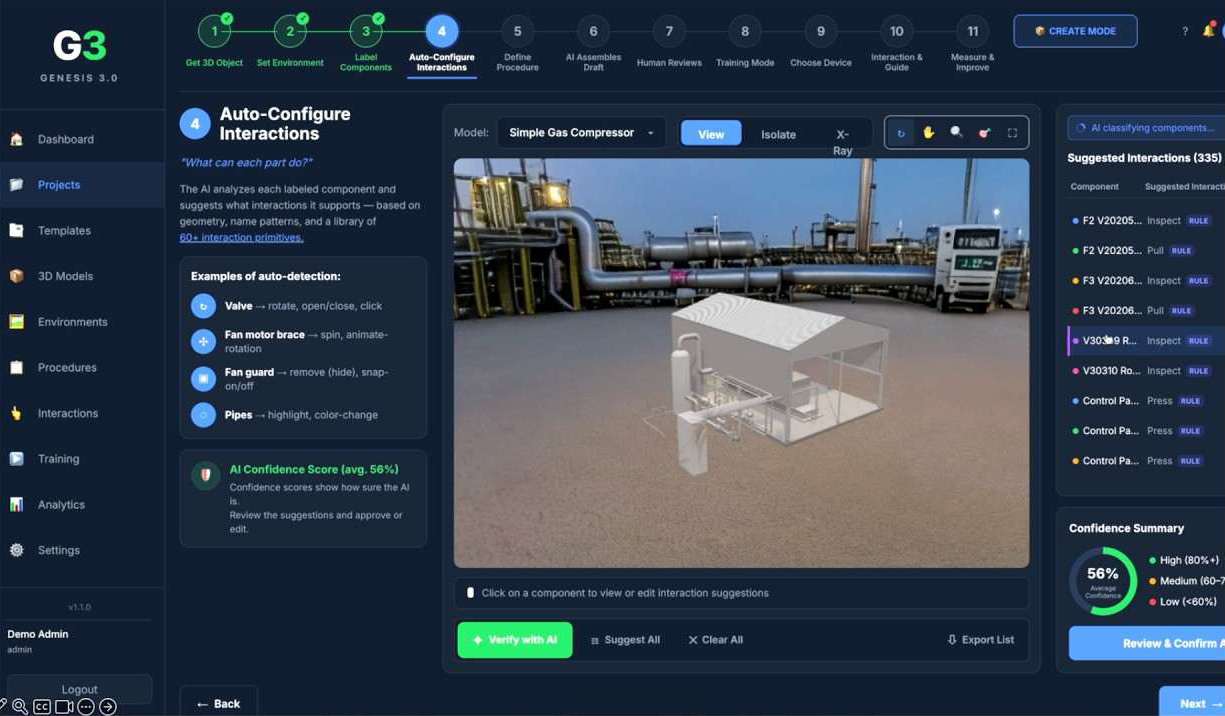
Build a working simulator from SOPs and reference photos in minutes. Genesis 3.1 reconstructs equipment geometry, adds interaction, and prepares training for desktop, mobile, and XR.
Watch Genesis turn an SOP and ordinary photographs into a working industrial simulation in under 30 minutes.
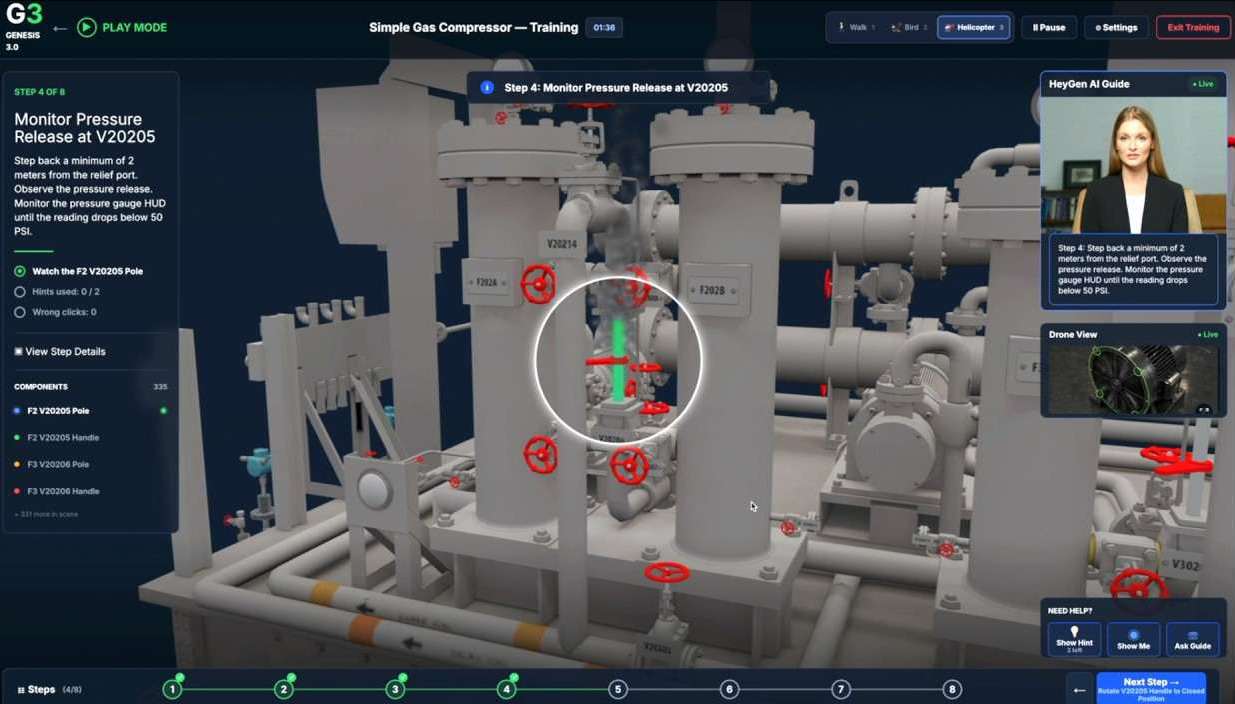
Watch learners move through Show Me, Let Me Try, and Evaluate Me with real-time equipment behavior and assessment.
Training environments often suffer from inefficiency due to scattered resources and cumbersome workflows. In industrial operations, the bigger risk is that critical procedural expertise lives in people, not reusable training assets.
Documents and slide decks can explain a procedure, but they cannot let a worker practice it, make mistakes safely, or prove competency. As experienced workers retire, organizations need a faster way to capture and scale this Work Intelligence.
EON Genesis 3.1 turns SOPs and ordinary photographs into interactive, hands-on industrial simulators. It moves Genesis from a capable prototype to a production-ready product that can be placed in front of frontline workers today.
Same feature section placement as the current page, updated to highlight the Genesis 3.1 release.
Build 3D industrial simulators from ordinary photos, even partial images without clean backgrounds.
Create a basic working model in under 30 minutes, reducing setup time from hours to a single session.
Valves rotate, fans spin, and smoke, particles, and physics turn static models into true simulators.
Learners observe, practice with guidance, then perform unaided for assessment and competency evidence.
One simulation build can run across training rooms, plant-floor devices, and immersive headsets.
Moving and snapping parts through complete sequences is in active development for servicing workflows.
Genesis 3.1 goes beyond passive viewing. Every simulation can guide a learner from observation, to supported practice, to unaided assessment creating evidence of competency that documents and slide decks cannot provide.
The learner watches the correct industrial procedure performed step by step.
The learner practices the task with guidance, guardrails, and real-time interactive behavior.
The learner performs unaided so the organization can measure task readiness and competency.
Keep the old four-step rhythm, but change the content from interface navigation to the Genesis 3.1 creation and training workflow.
Start with existing standard operating procedures and reference photographs of the equipment or process.
Genesis captures geometry from photographs and creates a navigable 3D simulation environment.
Components move with realistic behavior, including rotating valves, spinning fans, particles, smoke, and physics effects.
Learners complete Show Me, Let Me Try, and Evaluate Me so practice becomes measurable competency.
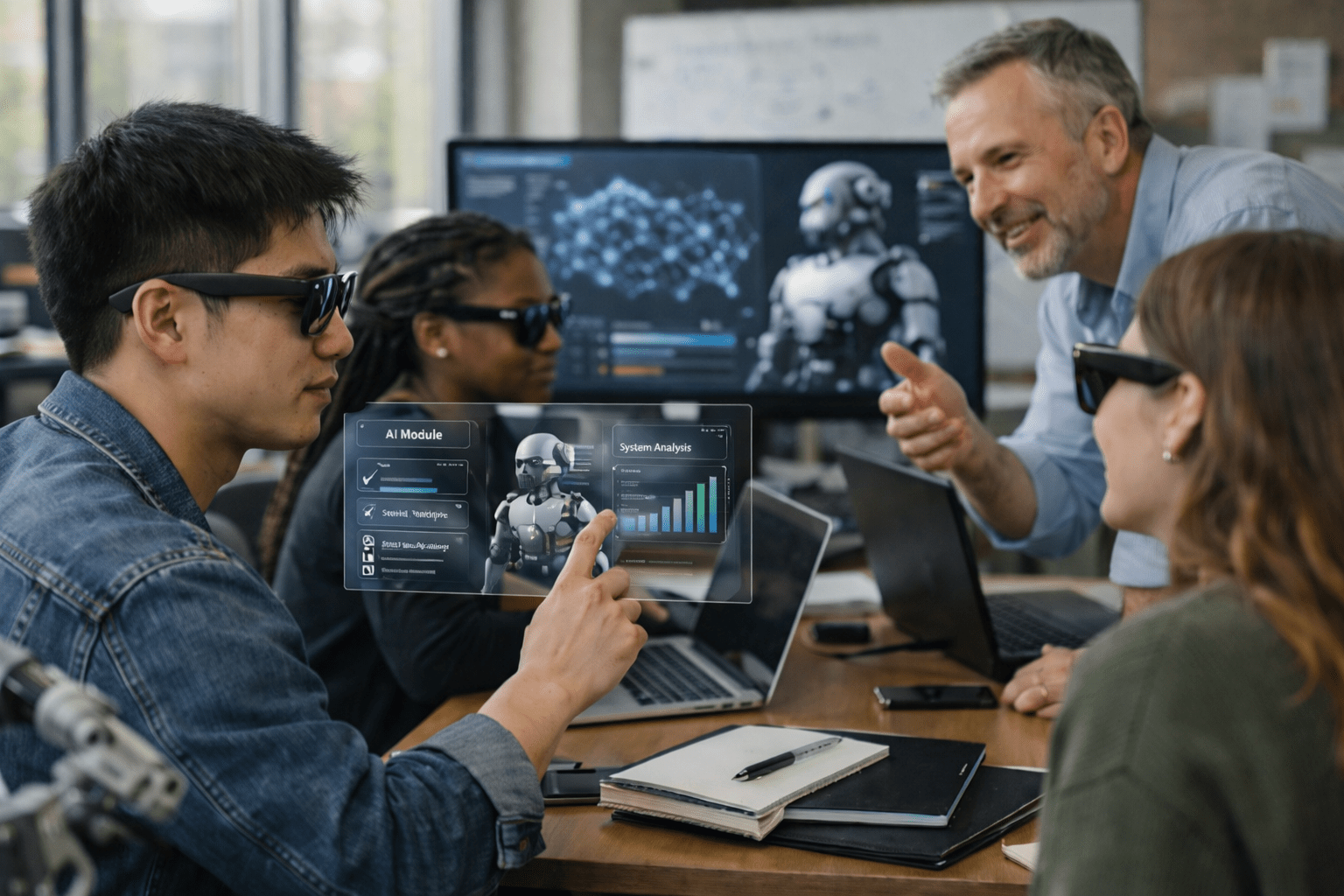
Faster authoring
Faster authoring
Basic working model
Basic working model
Desktop, mobile, and XR
Desktop, mobile, and XR
Target segments already live
Target segments already live
Access direct publications and related assets below.